
Appearance
Billing
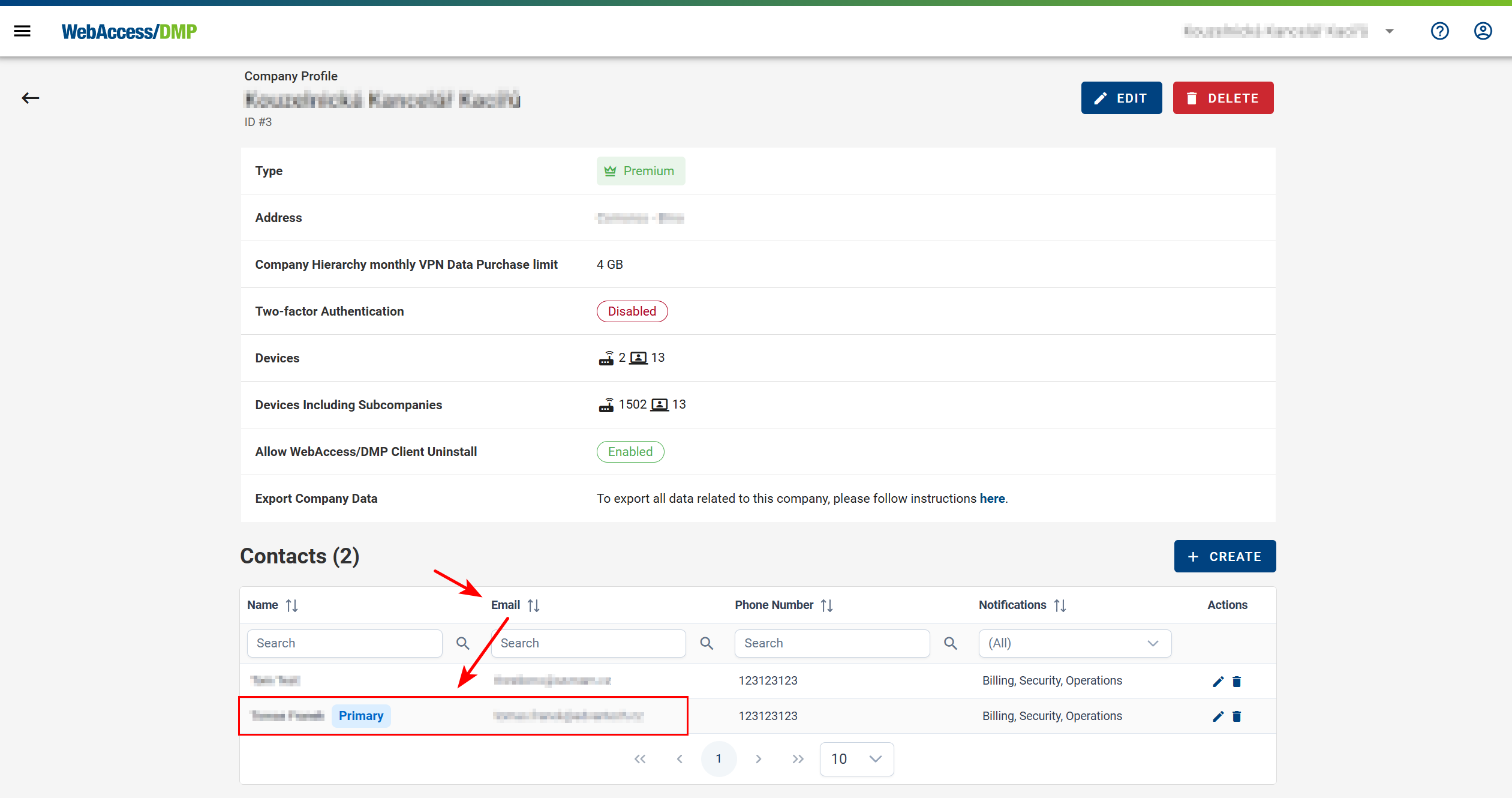
- Premium companies are billed on a monthly basis. Invoices are automatically sent to the Primary Contact email address of the company.
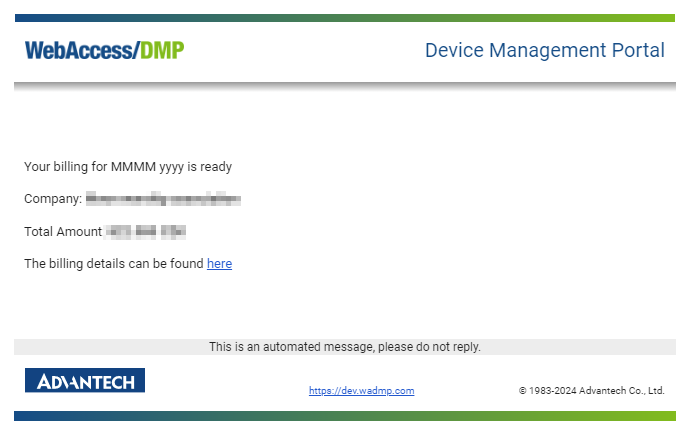
Example of a billing email:
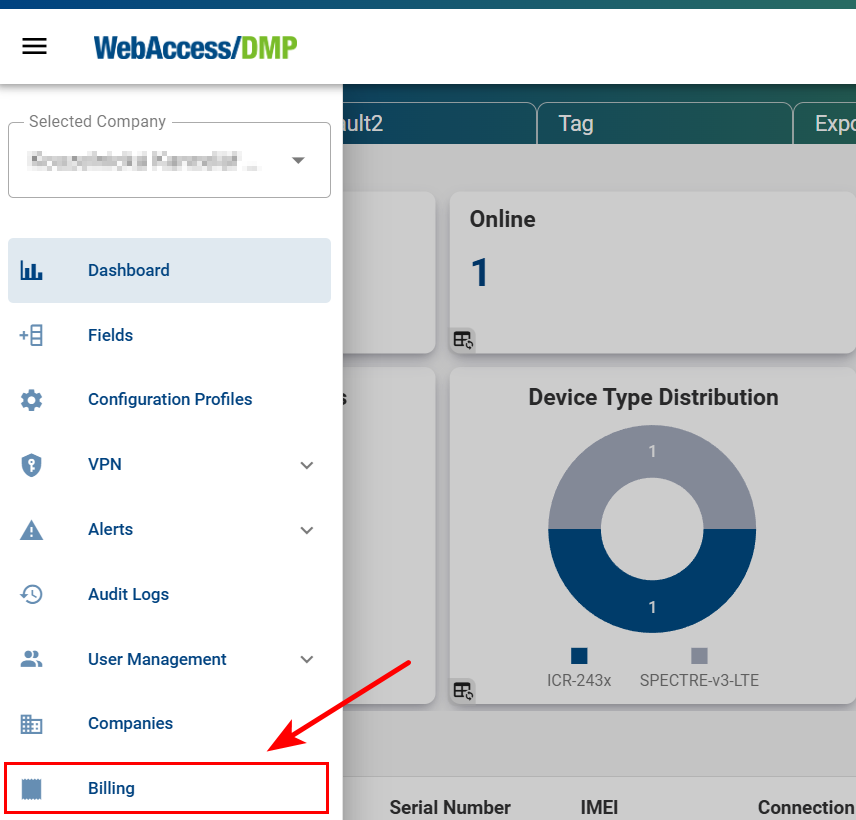
Viewing Billing History
- To access the Billing item in the side menu, you must be in a Root Company context and have the View Billing permission or the Company Admin role. A list of monthly billing records will be displayed.
Billing Summary List:
Click a billing entry to view its details or download it as a PDF using the download (arrow) icon on the right.

Selecting a billing summary opens the Billing Detail page, where the invoice can also be downloaded as a PDF.
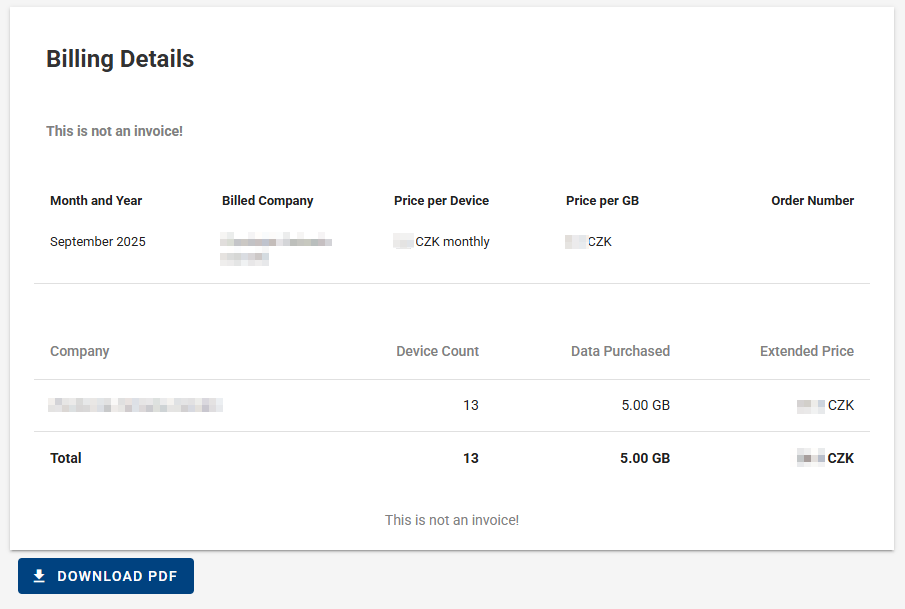
VPN Billing Summary
Premium companies are charged a fixed rate per GB of VPN data and an additional fixed charge per device. In the Parent Company settings (Companies → Edit), a data limit is defined for the entire company hierarchy, including all sub-companies. Each company in the hierarchy can independently purchase additional data (VPN Overview → Buy Data). These purchases count toward the overall data limit and are billed accordingly.
VPN data is billed as a one-time charge in the month of purchase and remains available until fully consumed; it does not expire at the end of the billing cycle.
Roadwarrior VPN users are billed in the same way as devices, with a fixed charge per user.