Appearance
Device Management
WebAccess/DMP provides multiple ways to manage devices. You can use a single approach or combine several methods depending on your operational needs.
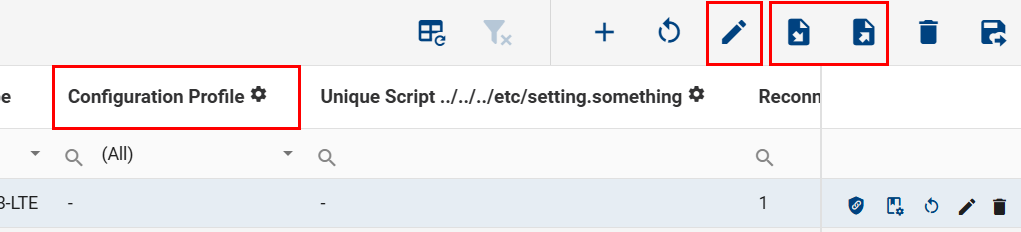
Devices can be managed in bulk directly from the Dashboard using Fields (displayed as table columns), Configuration Profiles, or by exporting and importing data using CSV files.
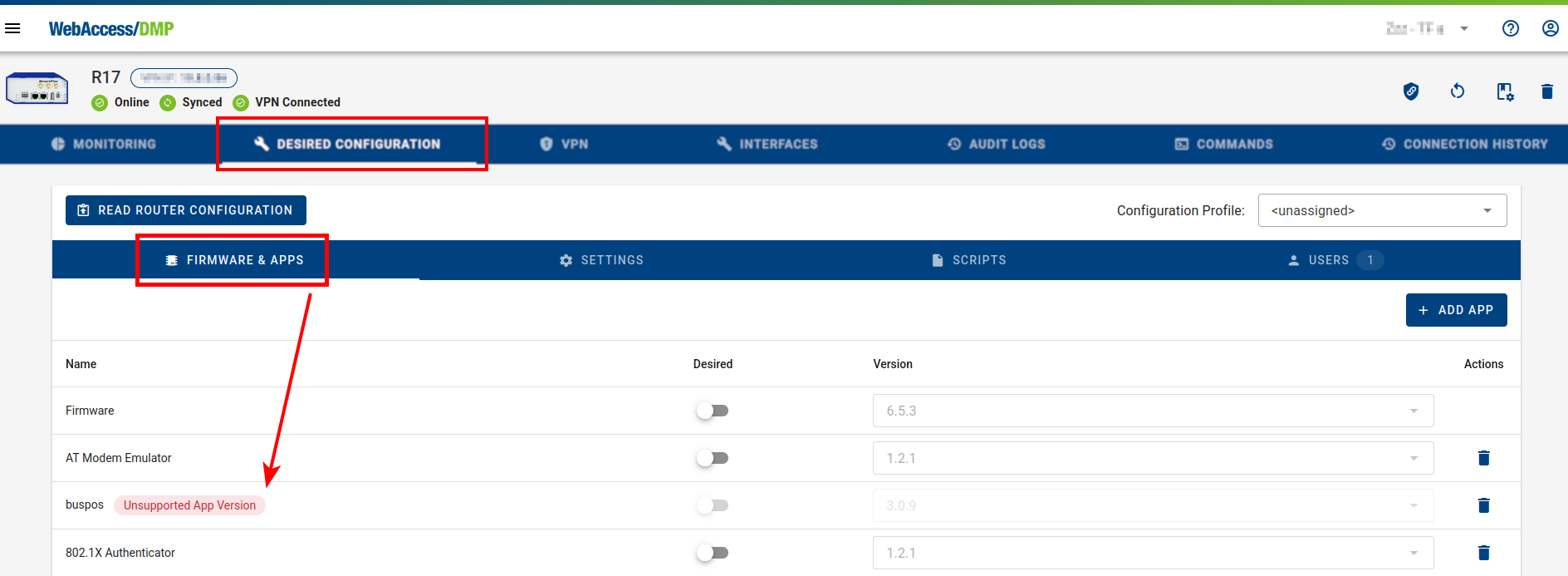
Individual devices can also be managed from their detail page using the Desired Configuration tab. Selected parameters can additionally be managed through Fields on the Monitoring tab. This view also helps identify unsupported or missing router applications.