
Appearance
Remove Users
To remove a user from a company:
- Make sure you are in the correct company context, then select Users from the side menu.
- On the Users page, click the Remove User from Company action button next to the user.
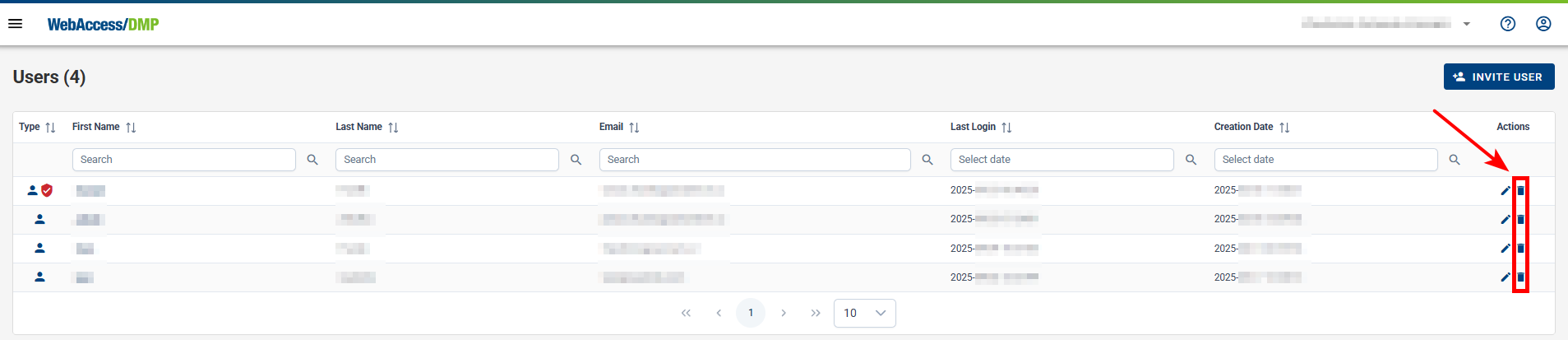
Delete a User Account
- A user can delete their own account (this feature is currently available only via the API).
- On-Premises System Administrators can also delete user accounts of other users.