
Appearance
Roadwarriors
A Roadwarrior (remote VPN user) refers to a VPN setup designed for mobile or remote users (Windows, Android, macOS, iOS, Linux, or any device where WireGuard can be installed). Unlike site-to-site VPNs, which connect fixed networks, a Roadwarrior configuration allows individual devices with dynamic IP addresses to securely access a private network over untrusted connections such as public Wi-Fi or mobile data.
This approach enables secure access to corporate resources, protects sensitive data, and ensures encrypted communication from virtually any location.
Managing Roadwarriors
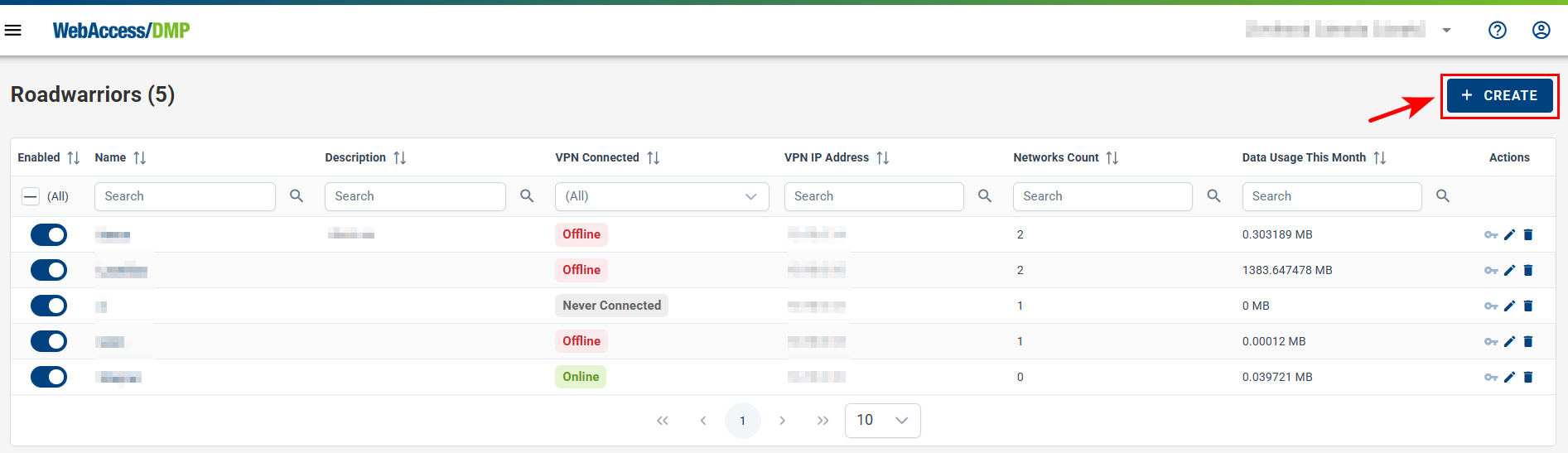
- On the Roadwarriors page, you can manage VPN Roadwarriors for your company. Navigate to VPN → Roadwarriors in the menu.
- Add a new Roadwarrior by clicking the CREATE button.
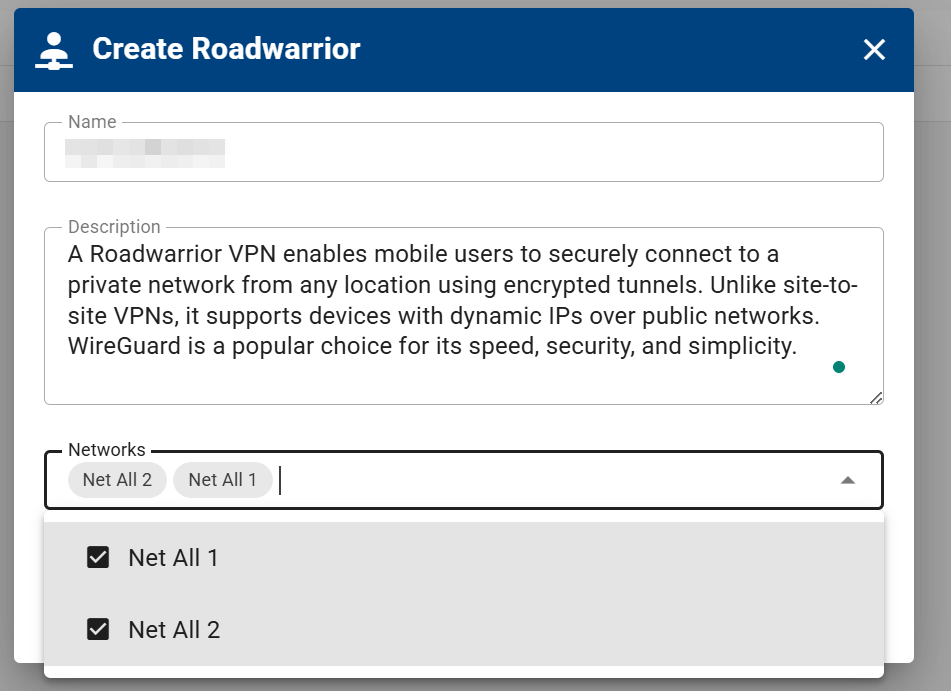
- Enter a name and description, then select the VPN networks the Roadwarrior should be part of.
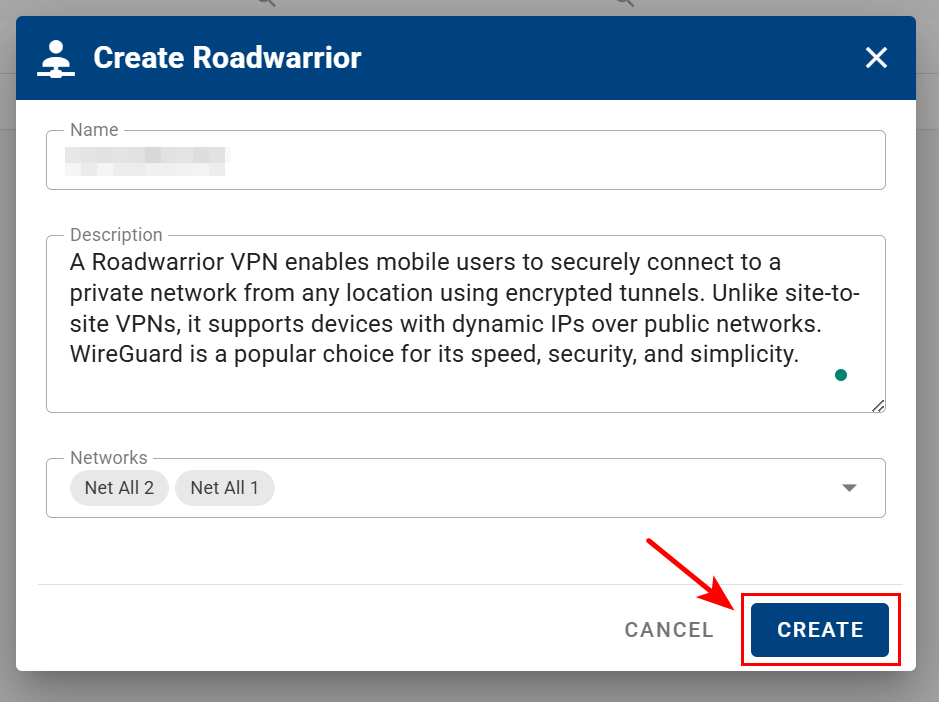
- Click CREATE to confirm and create the Roadwarrior.
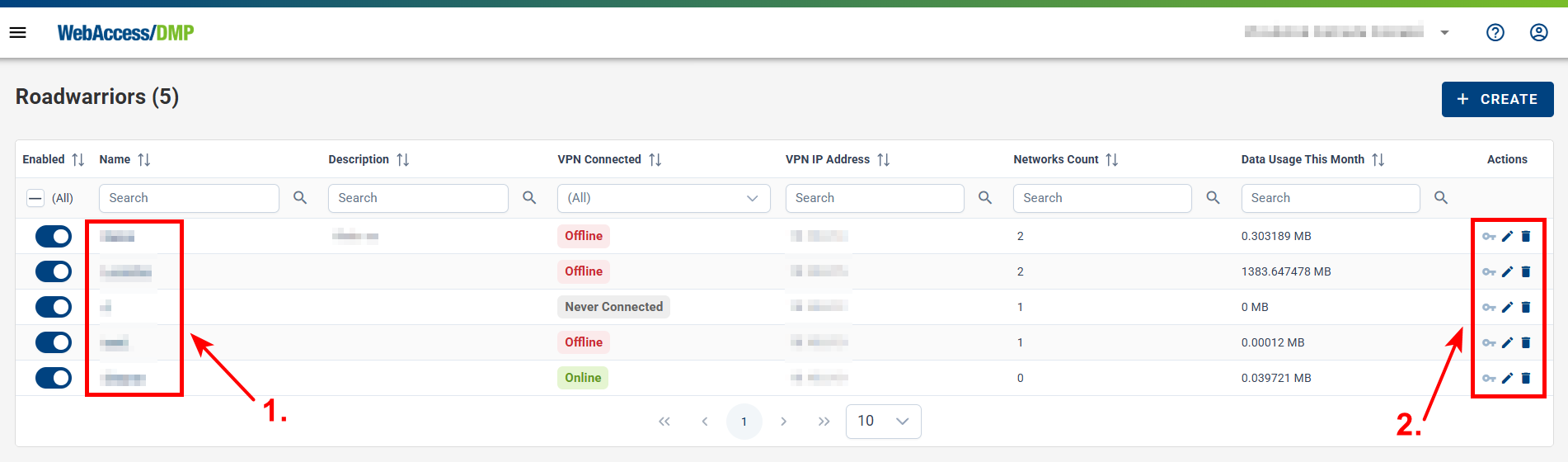
- Once created, you can:
- Enable or disable the Roadwarrior using the toggle in the first column
- Open the Roadwarrior details
- Use the action menu on the right to edit or delete the entry
Roadwarrior Details
- Click the Roadwarrior name to open its detail page.
- From the detail view, you can:
- Edit the name, description, and network membership
- Enable or disable the Roadwarrior
- Delete the Roadwarrior
- View Data Usage and Connection History
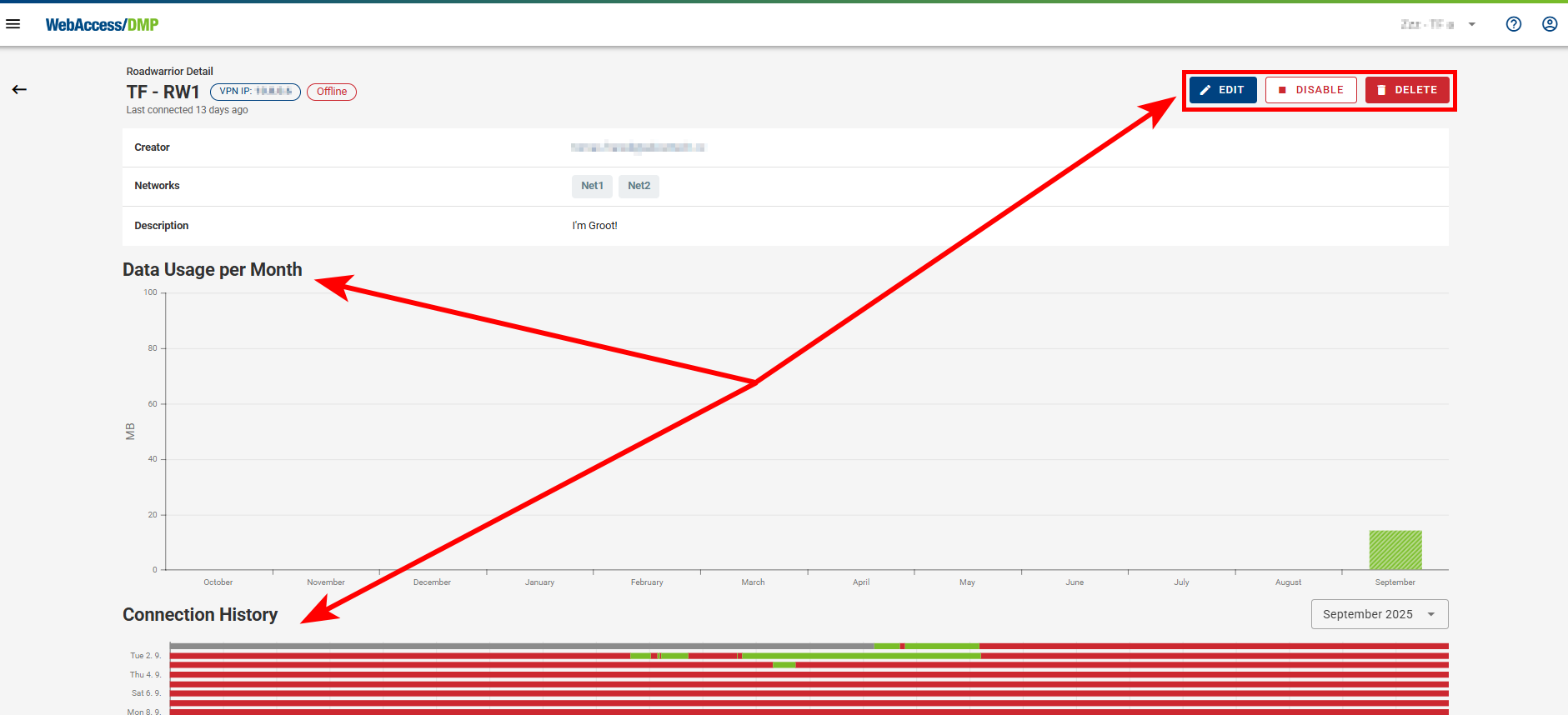
- From the details page, you can also view, edit, or delete the WireGuard configuration.
- When viewing the WireGuard configuration, a configuration form is displayed.
- You can download the configuration as a file by clicking DOWNLOAD CONFIG FILE.
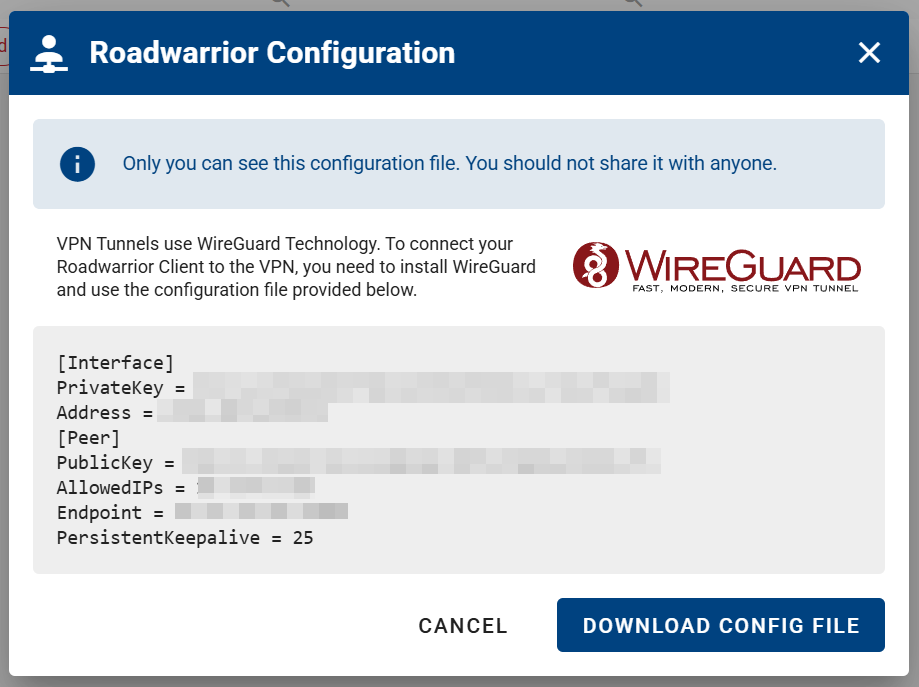
Note: Only the creator of a Roadwarrior can view or download its WireGuard configuration.